A catalog you can maintain
Organize food, drinks and household items into categories. Edit prices and availability; import a CSV when your catalog already lives in a spreadsheet.
Start with the products you already sell. Check names, prices and stock, publish your catalog and receive a clear summary to confirm each order with your customer.
Create my grocery catalogExplore the grocery demonstration
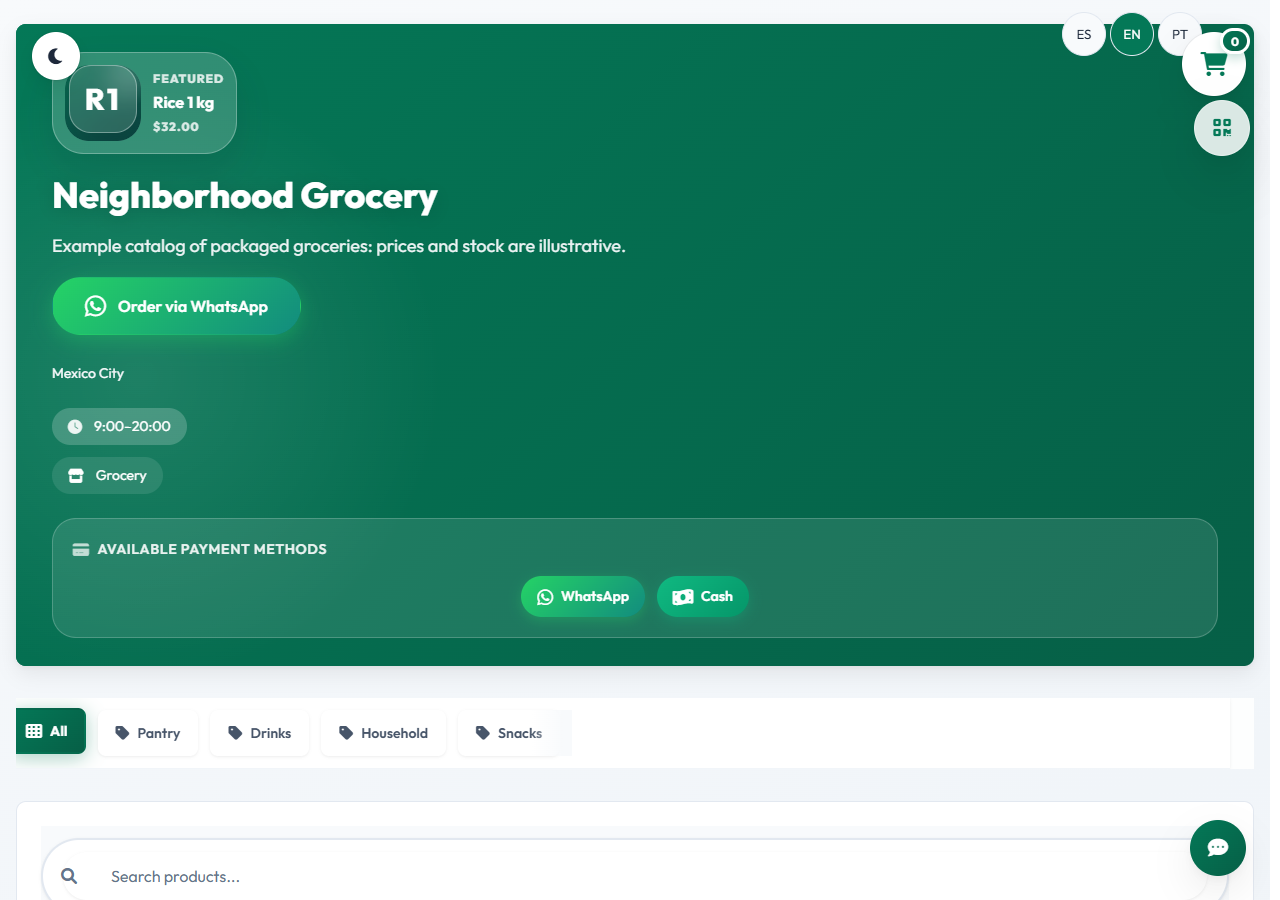
Organize food, drinks and household items into categories. Edit prices and availability; import a CSV when your catalog already lives in a spreadsheet.
Customers gather products in a cart and open WhatsApp with the summary. Check stock, substitutions, fulfilment and payment before accepting an order.
Review catalog stock and order status in the dashboard. Reconcile sales made at your physical store as well: an external sale does not synchronize by itself.
There is no monthly platform subscription. WhatsApp and manual payment links have no MiniTiendAI commission. Optional integrated payments carry a 1% fee plus provider fees. An account supports up to two active businesses: two online stores, two digital menus or one of each; AI generation has usage limits. A custom domain and specialist setup are optional services that may cost extra. Payment providers may charge their own processing fees.
MiniTiendAI supports online selling with a catalog, inventory and order management. It does not replace a cash register, accounting software, barcode scanner or weighing scale. If you already use a point of sale, separately plan how you will update online stock.
Editable example, all amounts in one currency. Include the costs you pay; your figures are neither sent nor saved.
Complete all five fields with valid values. The selling price must be greater than zero.
Contribution = price − product − packaging − delivery − (price × fee / 100). Excludes taxes, wages, rent and costs you have not entered; this is not an earnings forecast.